 Cinematic
 Impact
 Gold
Gold Silver
 Mix
Mix Luxe
Luxe Luxe Picto
 Tactic
 Bouncy
Live demo
15s
Captions — Full Tutorial
Demo

Describe your animation in plain text. Get broadcast-ready motion graphics rendered and imported into your timeline — in minutes, not hours.
CinematicImpactGoldSilverMixLuxeLuxe PictoTacticBouncy
Here's an example of a motion graphics edit made by the plugin
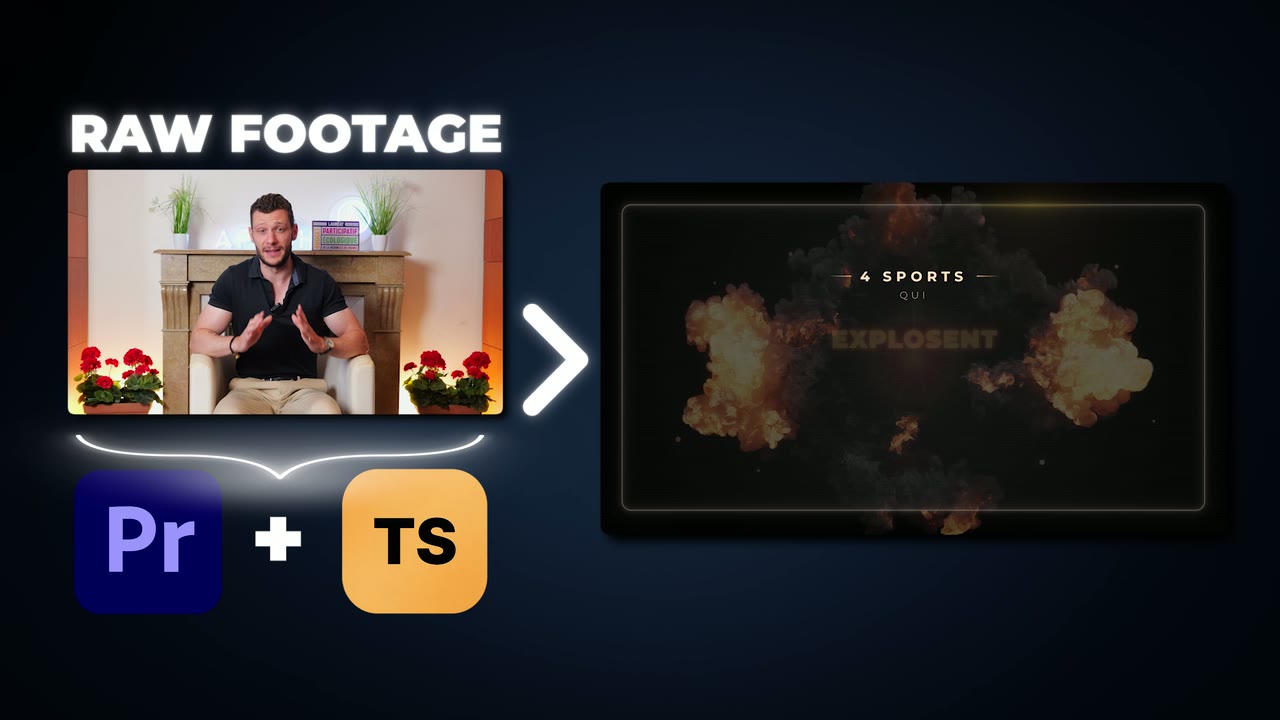
Transcribe your sequence in Premiere Pro, then pull the word-level transcript into the plugin in one click.
One clickType what you want. "Kinetic typography, bold sans-serif, neon glow on key words, dark background."
Plain EnglishClaude AI writes the animation code, Remotion renders it in ProRes 4444 with full transparency.
3–6 minutesThe rendered .mov lands in your project bin. Drop it on your timeline. Need changes? Iterate in 1–2 minutes.
Drag & drop16 GB RAM minimum
Active Creative Cloud subscription
For motion graphics and AI caption styles. Fast render captions work without it
For license check and AI generation
All plans unlock the full plugin. Prices include VAT.
Free for 14 days, then billed monthly. Cancel anytime.
Billed once a year. VAT included.
One-time payment, lifetime access. VAT included.
Make sure your system meets the requirements before buying.
Only for the AI features. Motion graphics and the AI caption styles (Impact, Gold, Silver, Luxe Picto) use Claude Code by Anthropic, with your own Claude Pro plan or higher. We don't charge for AI usage: you use your own plan. The Fast render caption styles (Cinematic, Impact No Picto, Mix, Luxe, Bouncy, Tactic) work without any Claude subscription.
Kinetic text, data visualizations, branded intros/outros, lower thirds, social media overlays, infographics, and any custom motion design you can describe. The AI generates React-based animations rendered in high quality.
Yes. Transcript Studio turns your sequence transcript into animated, word-synced captions in seven styles (Cinematic, Impact, Gold, Silver, Mix, Luxe, Luxe Picto), with hero-word emphasis and entrance animations — plus synced sound effects generated and placed on your timeline automatically. They render in seconds (no AI codegen), are fully editable in a live in-plugin editor — with your real footage and audio behind them — and export as transparent ProRes 4444 to drop straight onto your timeline.
First generation: 3-6 minutes. Iterations/modifications: 1-2 minutes. The render itself takes 30-60 seconds depending on duration and complexity.
Yes. All animations you generate are yours. Use them in client projects, YouTube videos, broadcasts — no restrictions.
Choose between monthly (€10/mo) or annual (€180/yr, save 25%). Your subscription gives you access to all plugin features. Cancel anytime from your account.
Yes — Transcript Studio runs on both Windows 10/11 and macOS 14+ / Sonoma (Apple Silicon and Intel).
Get answers, share tips, request features, and chat directly with the team and other Premiere Pro creators using Transcript Studio.
Join the Discord serverPrefer email? [email protected]